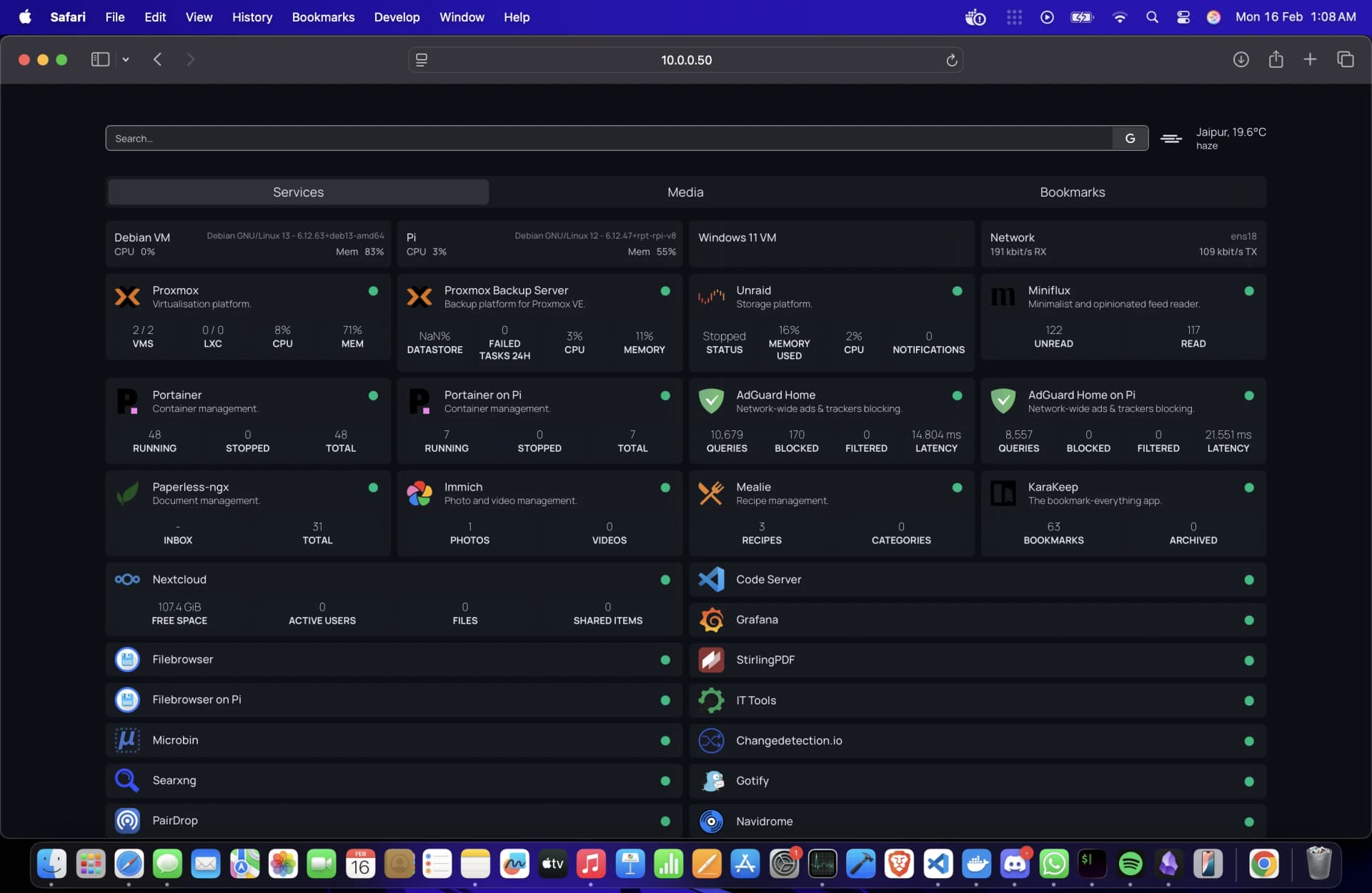
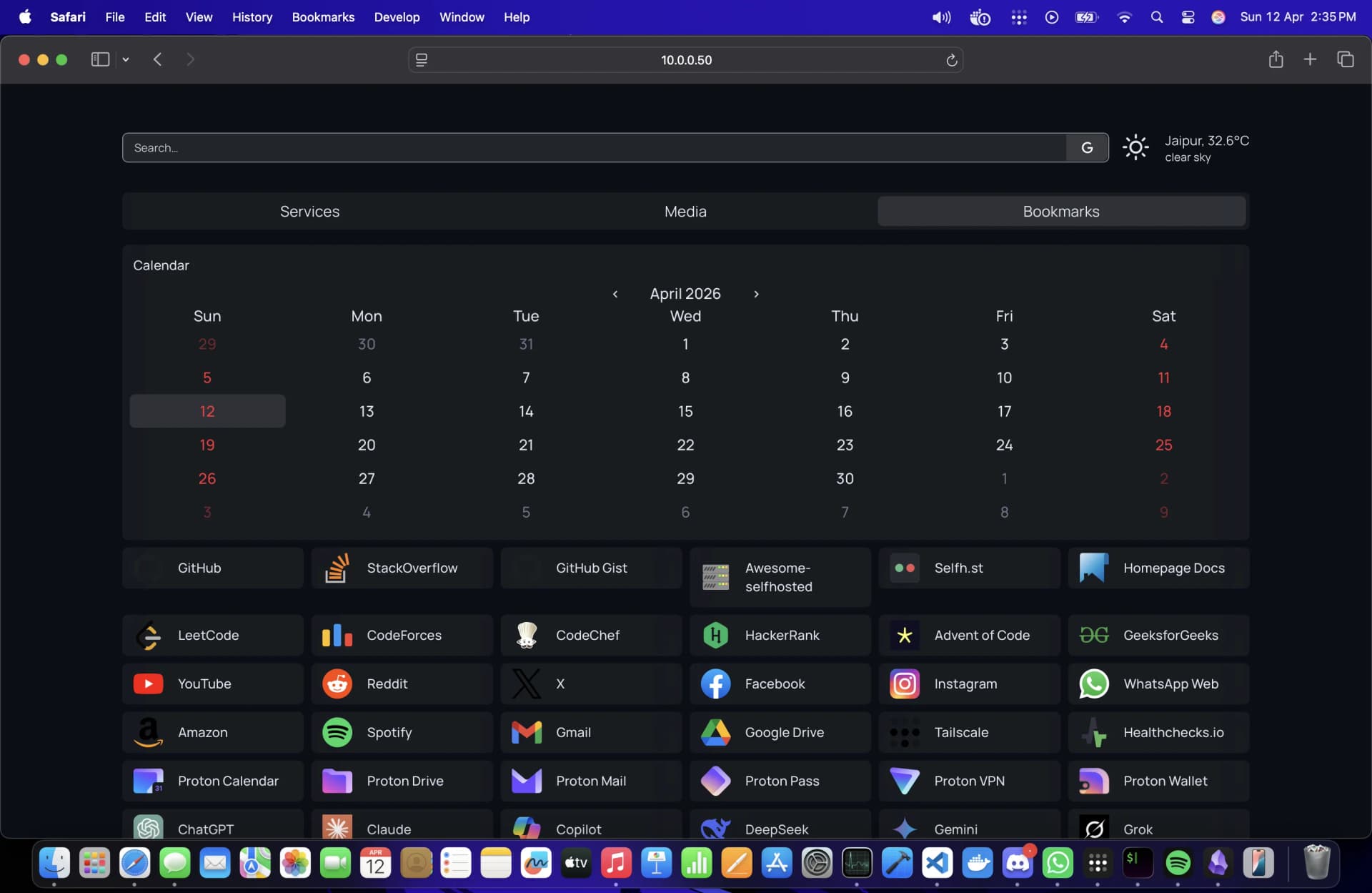
Homelab
Here's a breakdown of everything running in my homelab — hardware, network, virtualisation, storage, monitoring and services.Every once in a while someone asks me about my Homelab. This page covers the hardware, what's running on it, and how it all fits together. If anything's missing or you have questions, hit me up on @0xN1nja.
Hardware
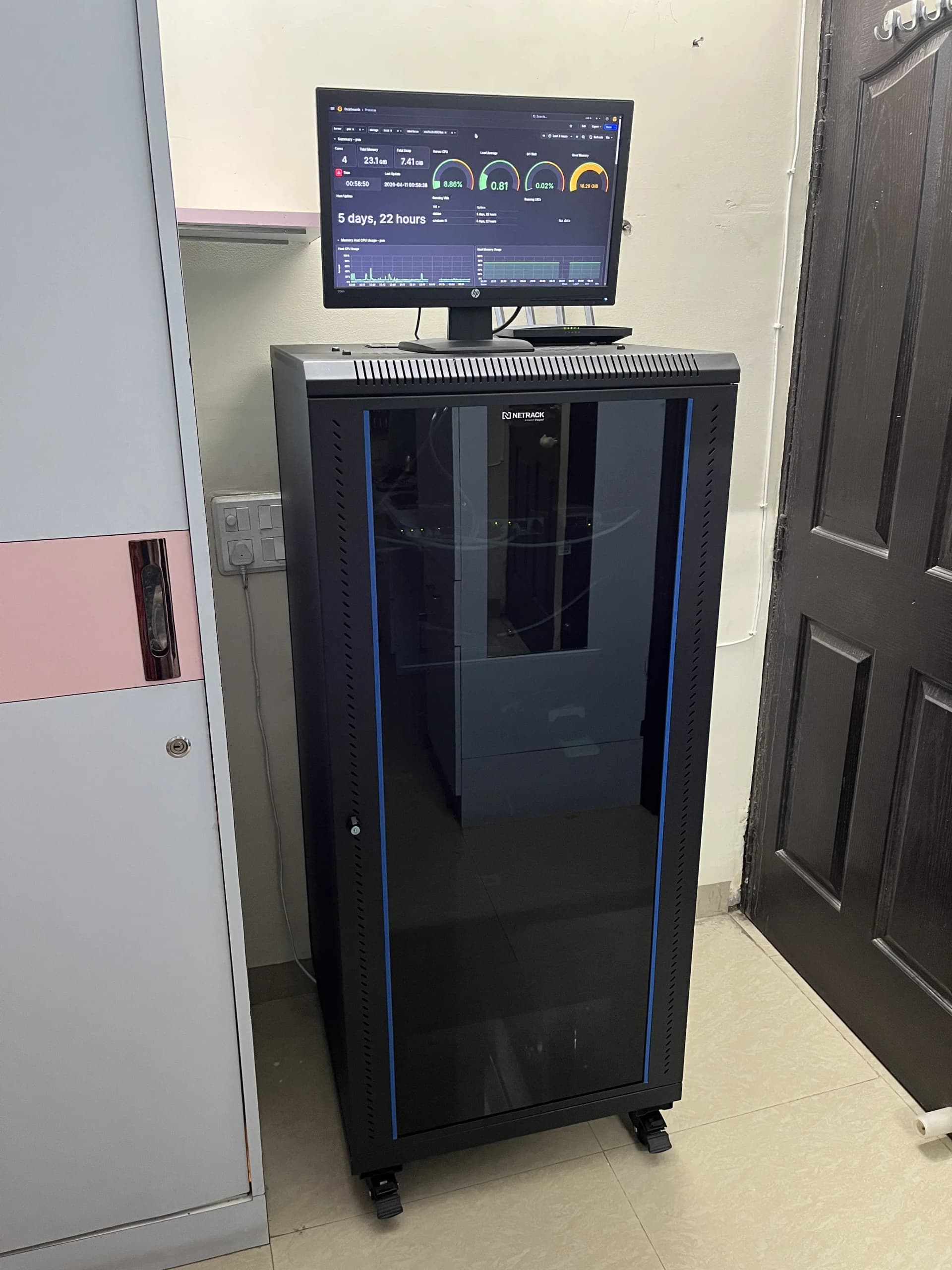
A mix of machines running different workloads, in a 27U 600x600mm network rack.
| Device | Role | Specs | OS |
|---|---|---|---|
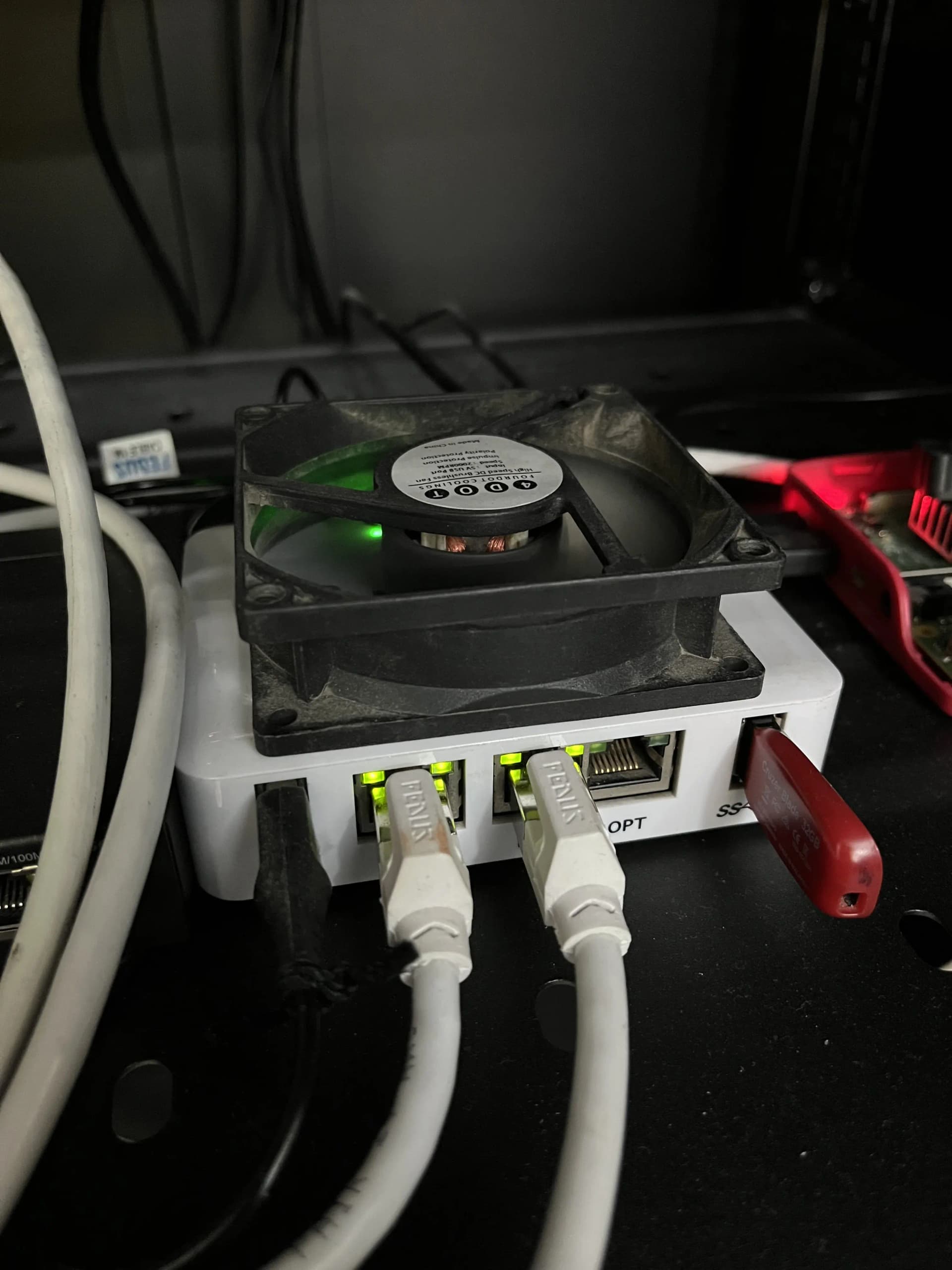
| Netgate 1100 | Router / Firewall | 1 GB RAM | pfSense+ |
| TP-Link 8-Port | Managed Switch | — | — |
| TP-Link Archer C6 | Access Point | Dual-band Wi-Fi | — |
| Raspberry Pi 4 | Monitoring | 2 GB RAM | Raspberry Pi OS |
| HP Laptop | Primary hypervisor | i3 11th Gen, 24 GB RAM | Proxmox VE |
| Compaq Laptop | Backup server | Core 2 Duo, 4 GB RAM | Proxmox Backup Server |
| Tower PC | NAS | Core 2 Duo, 4 GB RAM | Unraid |
Network
Virtualisation — Proxmox VE
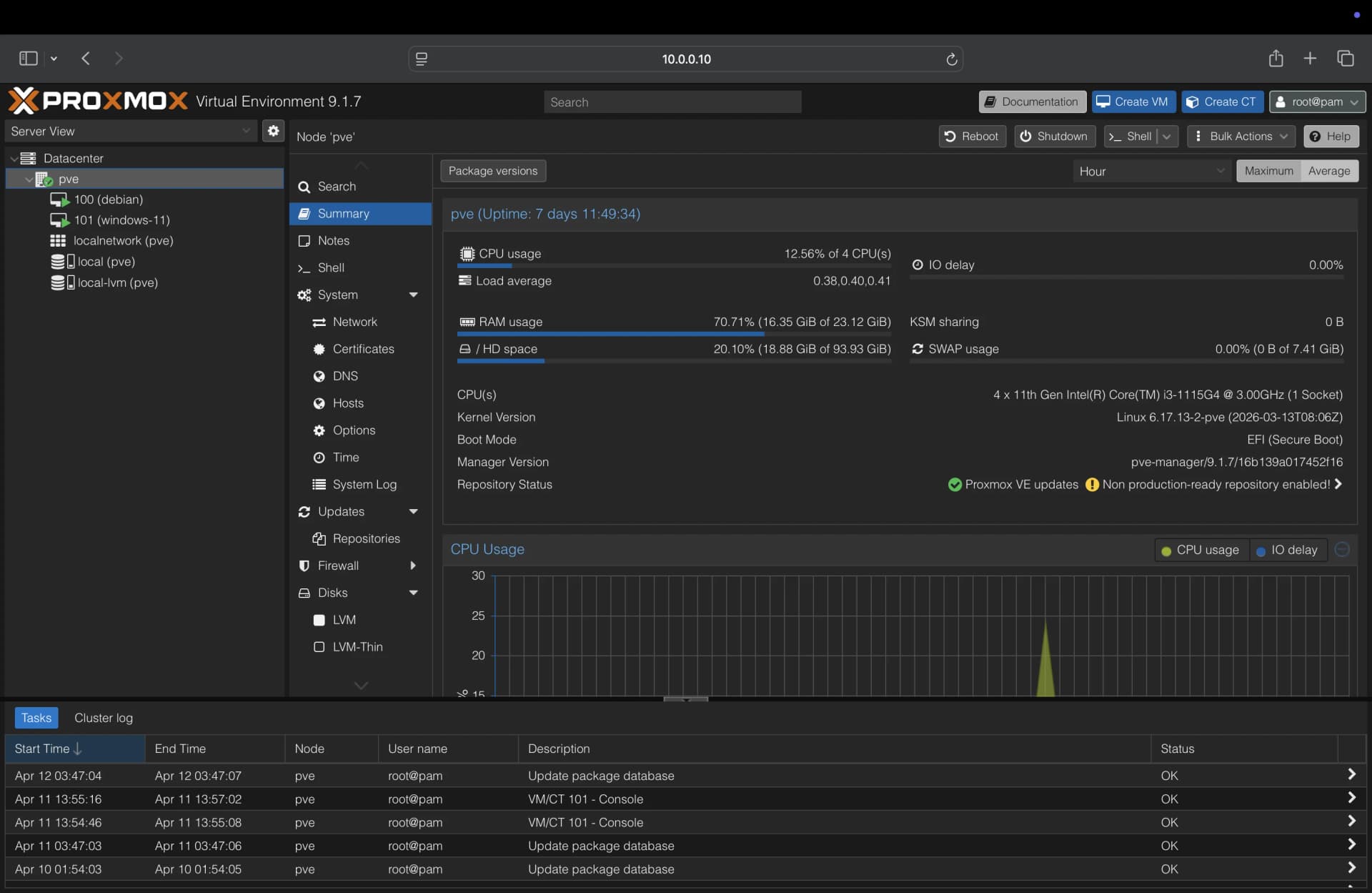
The HP laptop runs Proxmox VE, it has i3 11th-gen and 24 GB of RAM so it has enough headroom to run multiple VMs without issues.
I'm not using LXC containers right now. All self-hosted services run inside a Debian VM using Docker Compose. It is easier to manage, easier to move, and closer to how things would run in a real environment. A Windows 11 VM is also around for when I need it.
Backups — Proxmox Backup Server
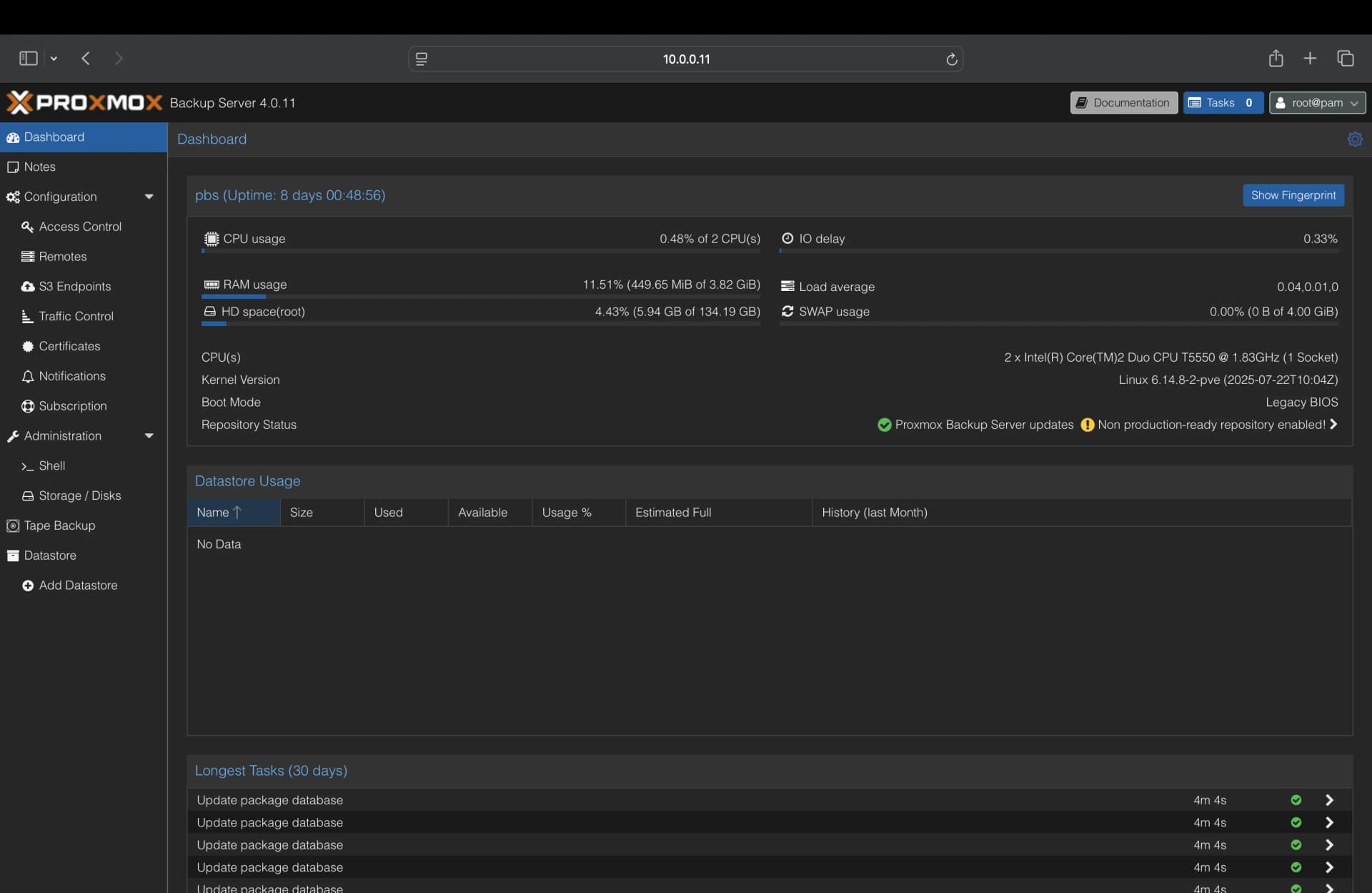
The Compaq laptop has a Core 2 Duo with 4 GB RAM. It runs Proxmox Backup Server. It doesn't need to be fast, it just needs to be on and available. PBS integrates directly with Proxmox VE so every VM gets backed up on a schedule automatically.
PBS uses chunk-based deduplication — only changed blocks are written between backups. This makes incremental backups very efficient. Restores are checksum-verified and accessible straight from the Proxmox VE UI.
Storage — Unraid
The tower PC runs Unraid. It has a Core 2 Duo with 4 GB RAM (sounds underpowered, but a NAS spends most of its time waiting for disk I/O, not crunching numbers, so it holds up fine)
Unraid lets you mix drive sizes and add disks one at a time, with a single parity drive protecting against one disk failure. The array handles media and long-term storage; an SSD cache pool takes fast writes and flushes them to the array overnight. Everything is shared over SMB/NFS to the rest of the network.
Monitoring
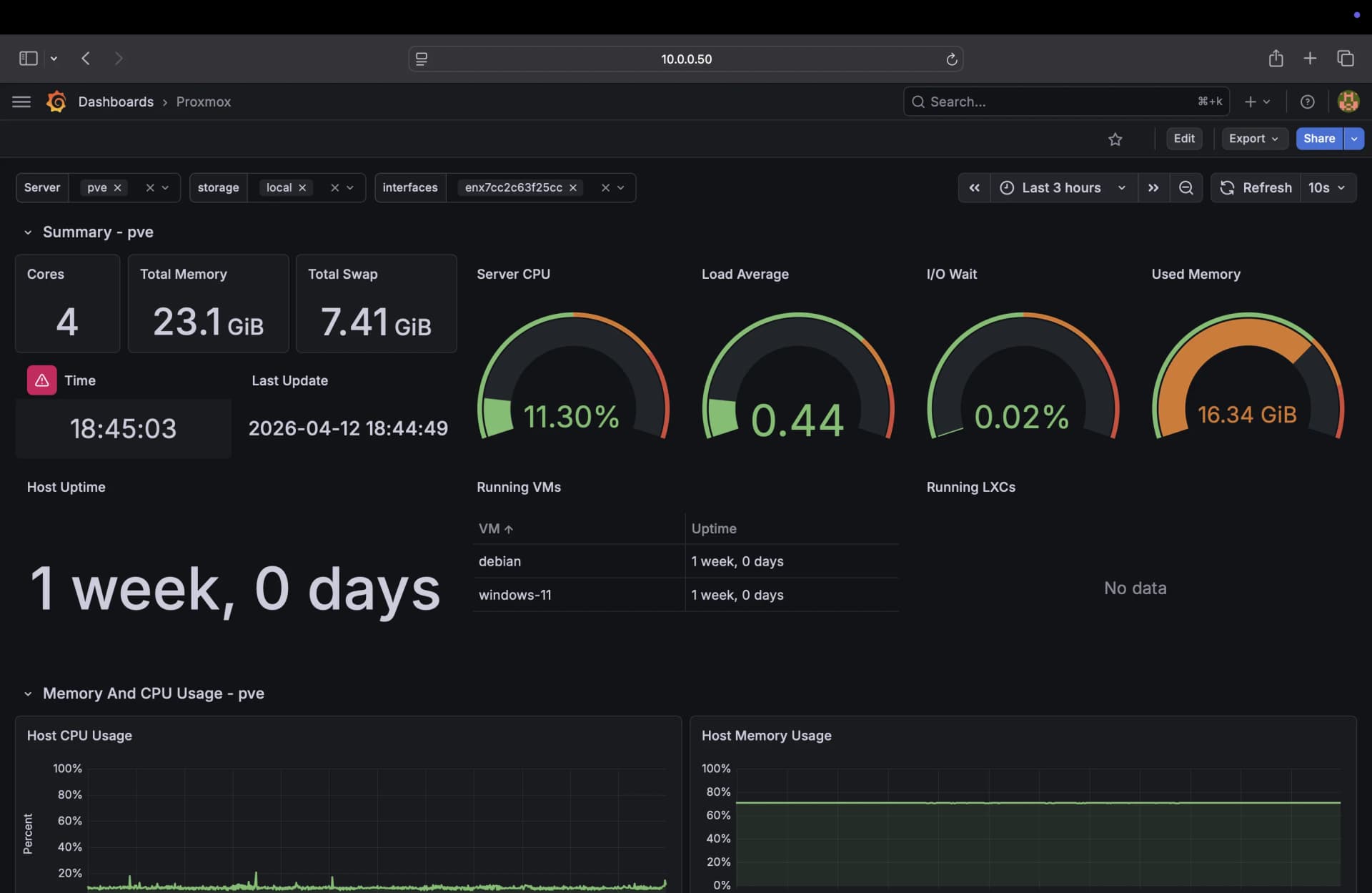
The Raspberry Pi 4 is connected to a monitor and runs Raspberry Pi OS. It's dedicated to displaying the Grafana dashboard full-time, so I can see what's going on in the lab at a glance. It also runs some lightweight containers.
Metrics are collected via InfluxDB2 and visualised in Grafana using the Proxmox dashboard (10048). Covers node CPU, RAM, disk I/O, and network across both Proxmox hosts.
Media Stack
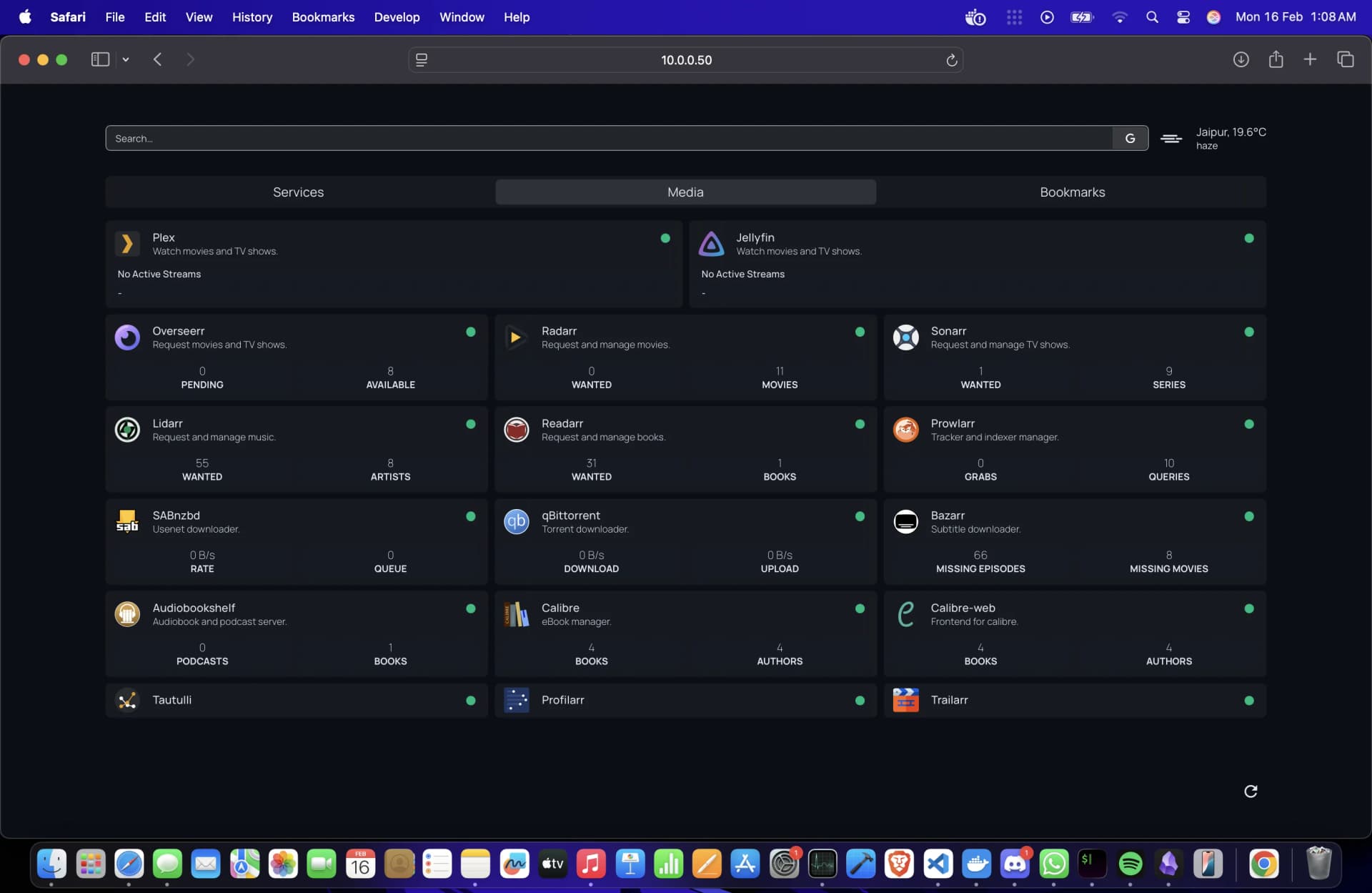
Both Plex and Jellyfin point at the same media library. Plex for the polished apps and hardware transcoding; Jellyfin for accessing my media library remotely via Tailscale. The *arr stack handles everything before a file lands in the library.
The flow: request on Overseerr → Radarr or Sonarr picks it up → Prowlarr finds a source → SABnzbd or qBittorrent downloads it → the *arr app renames and moves it to the media library → Plex and Jellyfin see it automatically.
| Service | Purpose |
|---|---|
| Overseerr | Request management and media discovery tool |
| Radarr | Movie library management and downloads |
| Sonarr | TV show library management and downloads |
| Lidarr | Music library management |
| Readarr | Book and eBook management |
| Prowlarr | Centralised indexer management for all *arr apps |
| SABnzbd | Usenet downloader |
| qBittorrent | Torrent downloader |
| Bazarr | Automatic subtitle downloads |
| Tautulli | Plex statistics and monitoring |
| Profilarr | Quality profile sync across *arr apps |
| Trailarr | Trailer management |
Other Services
Beyond the media stack, there's a collection of other self-hosted tools covering storage, productivity, monitoring, and utilities.
| Service | What it does |
|---|---|
| AdGuard Home | Network-wide ad and tracker blocking (runs on both Pi and main node) |
| Nextcloud | Self-hosted cloud storage — self-hosted Google Drive |
| Paperless-ngx | Document management with OCR |
| Immich | Photo and video backup — self-hosted Google Photos |
| Miniflux | Minimal RSS reader |
| KaraKeep | Bookmarks, read-later, and web archiving |
| Portainer | Docker container management UI (Pi and main node) |
| Mealie | Recipe management — import from URLs |
| Grafana | Metrics and monitoring dashboards |
| Searxng | Self-hosted meta search engine |
| Code Server | VS Code in the browser |
| Gotify | Push notifications for lab alerts |
| Navidrome | Music streaming server, Subsonic-compatible |
| Changedetection.io | Get notified when a webpage changes |
| Calibre / Calibre-Web | eBook library and browser-based reading |
| Audiobookshelf | Audiobook and podcast server with progress sync |
| Filebrowser | Web-based file manager |
| StirlingPDF | Self-hosted PDF tools |
| IT Tools | Developer utilities |
| PairDrop | Local network file sharing |
| Microbin | Self-hosted pastebin |
All services are surfaced through Homepage, a self-hosted dashboard that aggregates service status, stats, and bookmarks in one place.
If you want to automate building Homepage's YAML config, check out homepagectl, a tool I built for that.